LUTs & resources
Sony ZV-E1 LUTs
Sony help guide (Picture Profile notes): S-Log noise is more noticeable than other gammas; it may be improved by shooting with a brighter setting, but dynamic range becomes narrower accordingly; Sony recommends test shooting first. No 18% grey target is published in the help guide.
Camera settings
- MENU > Shooting > Image Quality/Rec > Log Shooting Setting > Log Shooting: On (Flexible ISO); Color Gamut S-Gamut3.Cine or S-Gamut3
- Sony launch release: Flexible ISO can be set to AUTO or manually ISO 640-102400 (160-409600 expanded)
- S-Log3 only (no S-Log2); preset LUTs S-Log3 / s709 / 709(800%)
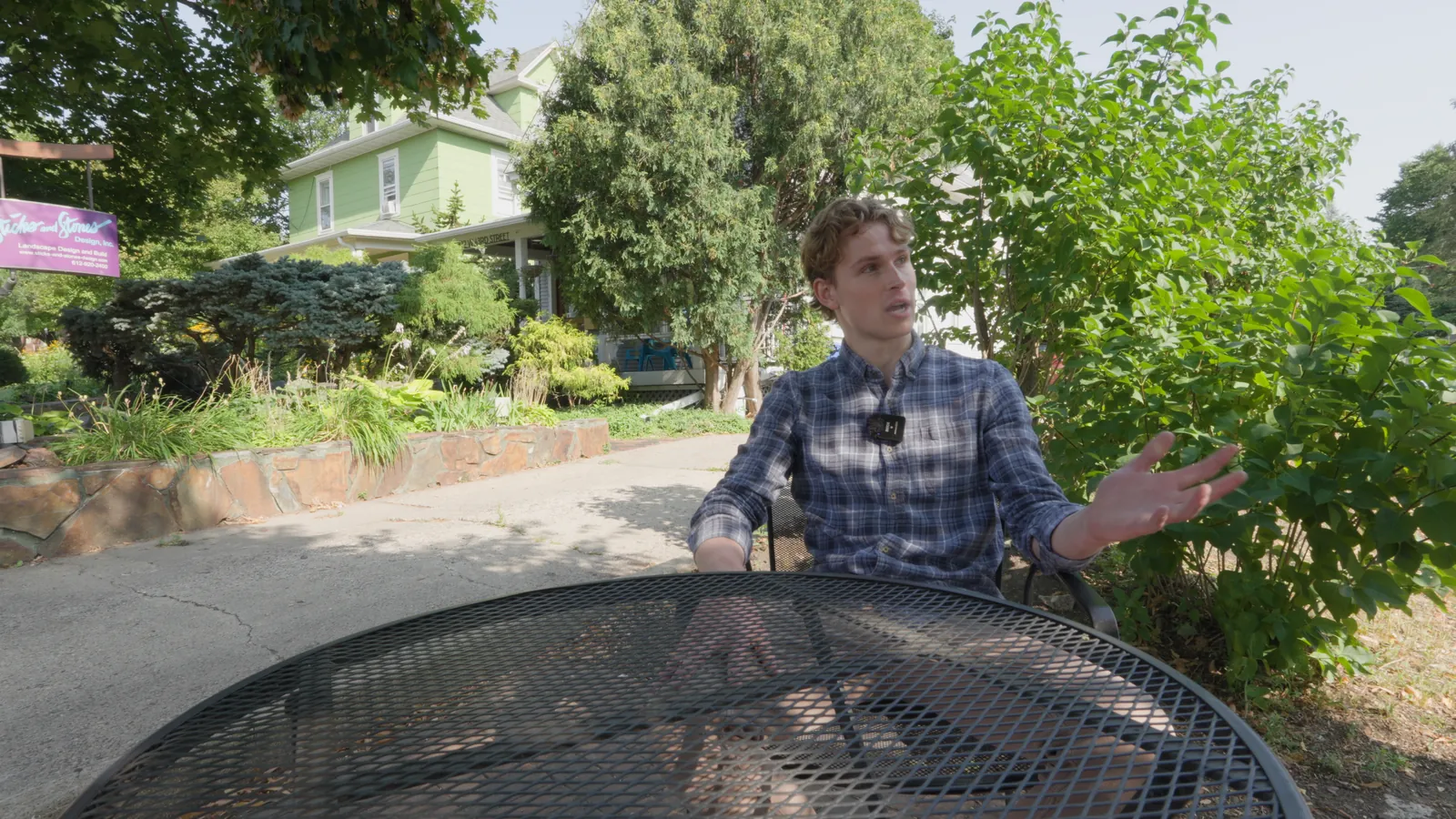
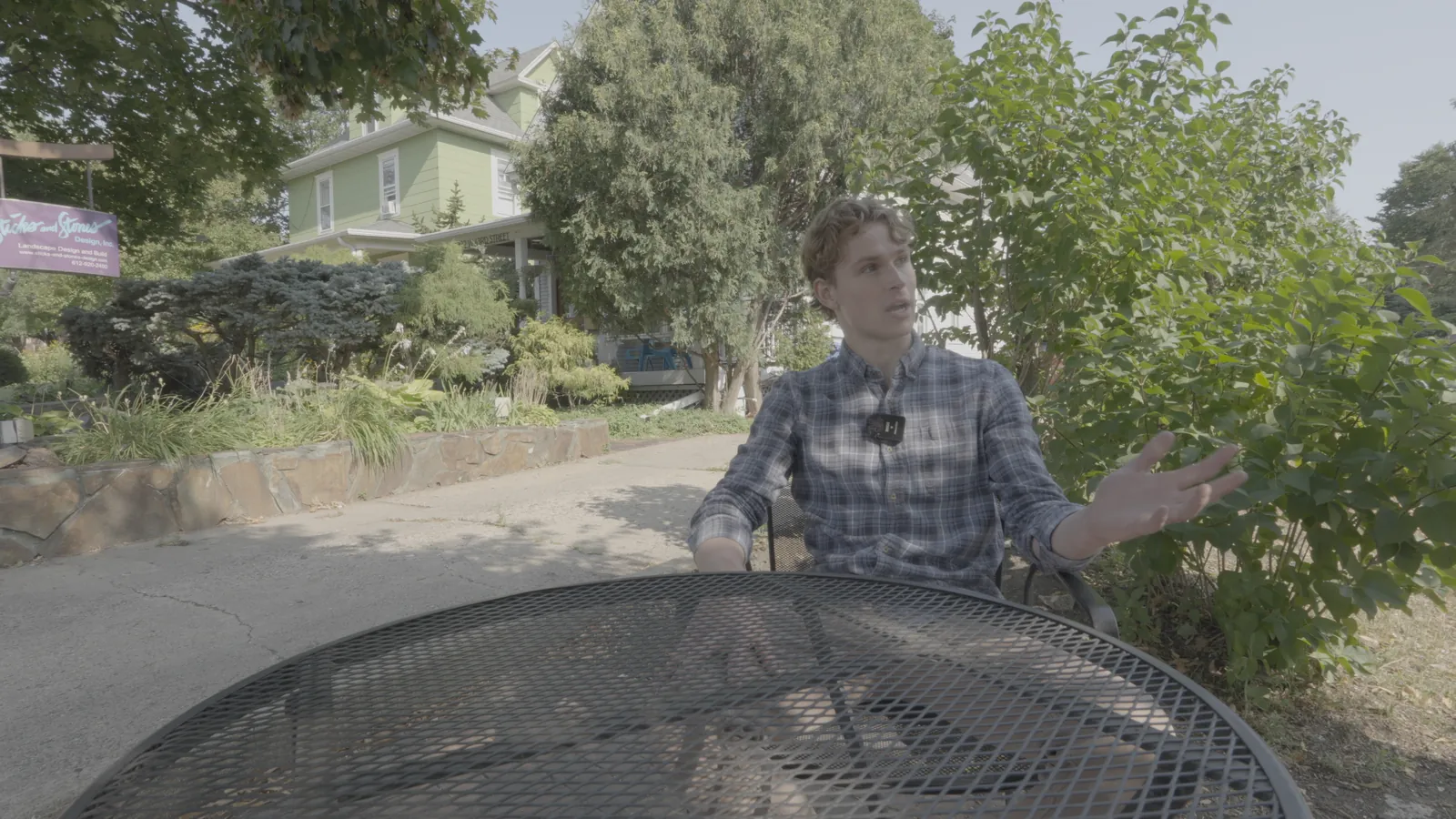
NeutralLook
S-Log3 / S-Gamut3.Cine
Shot on Sony FX30 (S-Log3).
S-Log3 / S-Gamut3.Cine
Checked against Sony's own LUT and tested on our Sony FX30 footage.
Download free conversion LUTInstallation guides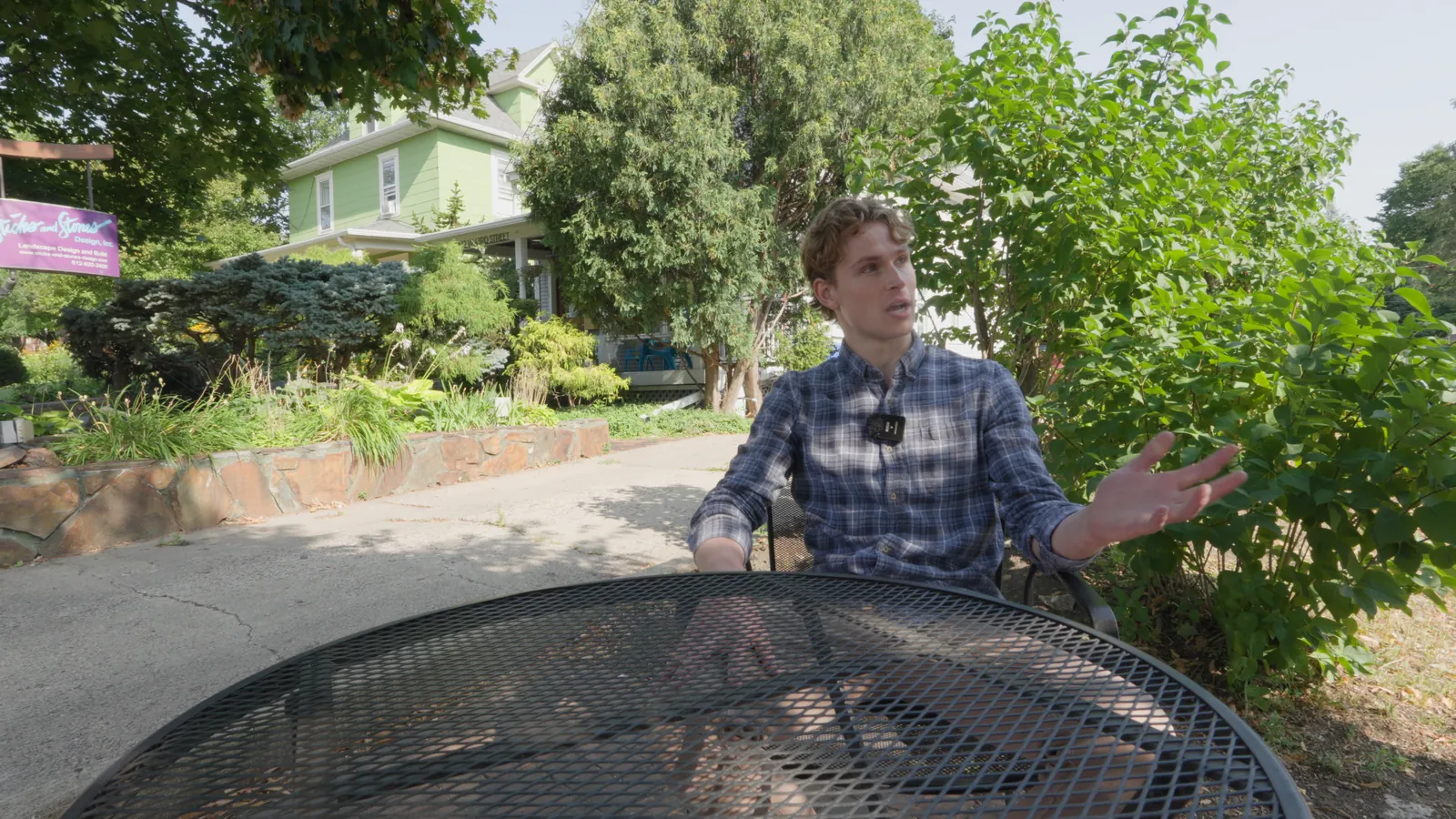
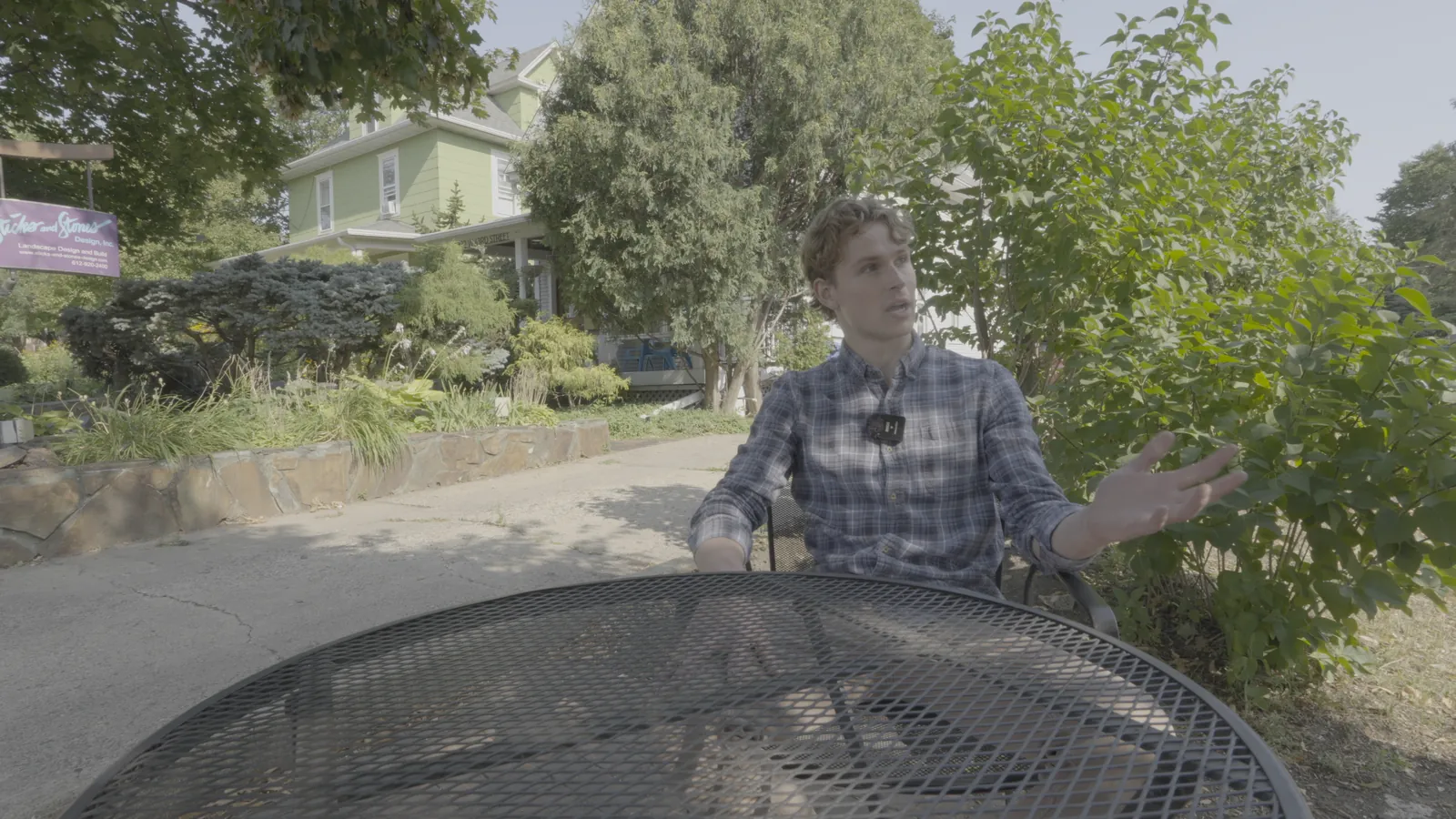
NeutralLook
S-Log3 / S-Gamut3
Shot on Sony FX30 (S-Log3) and re-encoded into S-Log3 / S-Gamut3 to show the conversion.
S-Log3 / S-Gamut3
Checked against Sony's own LUT and tested on our Sony FX30 footage.
Download free conversion LUTInstallation guides