LUTs & resources
Sony FX5 LUTs
Sony: in Cine EI, shooting at an EI equal to or lower than the base ISO is generally recommended (shoot at EI = base ISO for least noise and most latitude). FX5 help guide recommends keeping a fixed Exposure Index while recording in Cine EI / Cine EI Quick.
Camera settings
- Project > Base Setting > Shooting Mode: Flexible ISO / Cine EI Quick / Cine EI (log); Project > Cine EI/Flexible ISO Setting > Input Color Space: S-Gamut3.Cine/SLog3 or S-Gamut3/SLog3
- Base ISO in log modes: ISO 800, ISO 4000, ISO 12800, or ISO 800 (Dual Gain); Cine EI Quick picks it automatically
- Preset LUTs s709 / 709(800%) / S-Log3; 3D LUT import supported

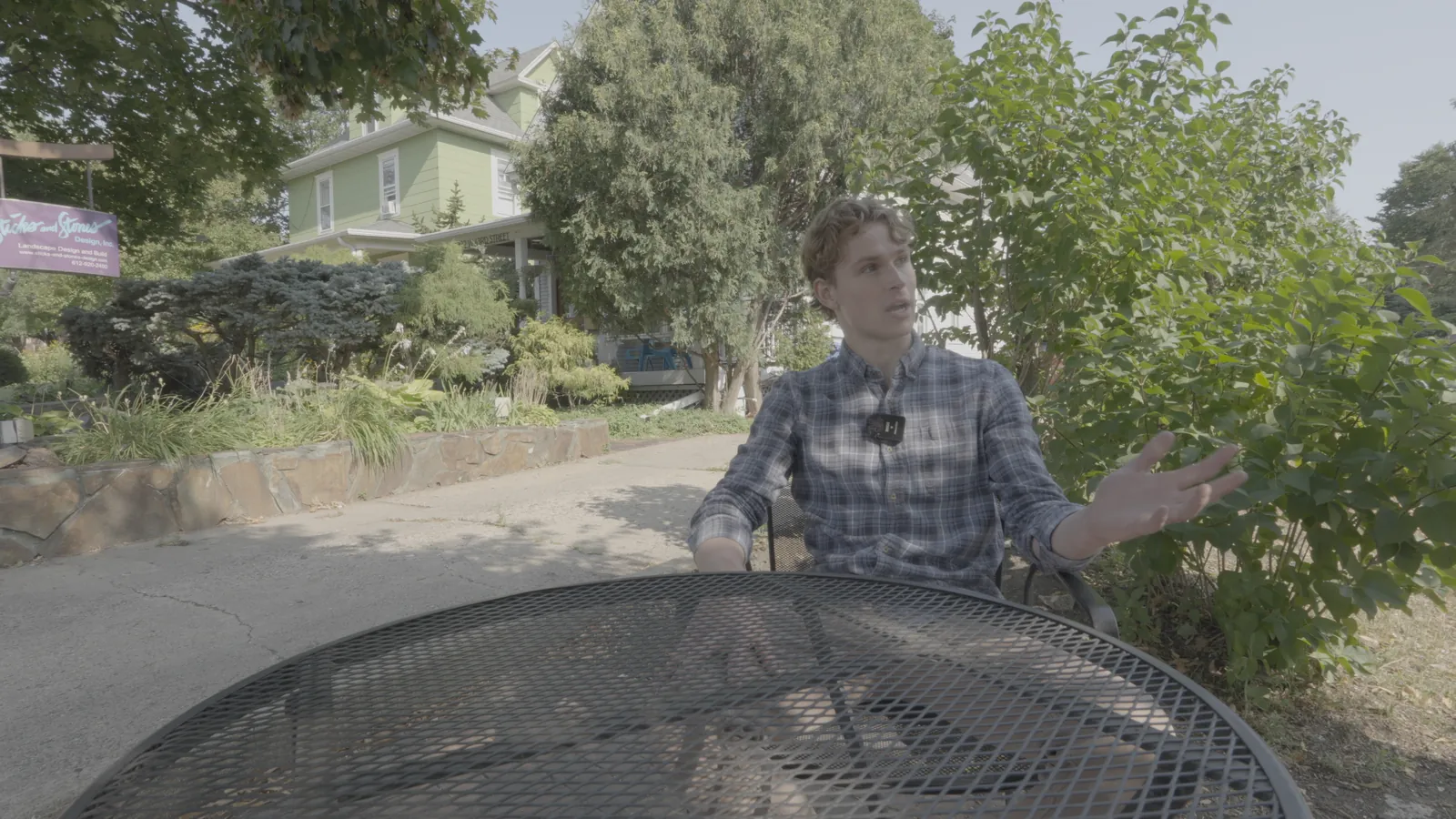
NeutralLook
S-Log3 / S-Gamut3.Cine
Shot on Sony FX30 (S-Log3).
S-Log3 / S-Gamut3.Cine
Checked against Sony's own LUT and tested on our Sony FX30 footage.
Download free conversion LUTInstallation guides
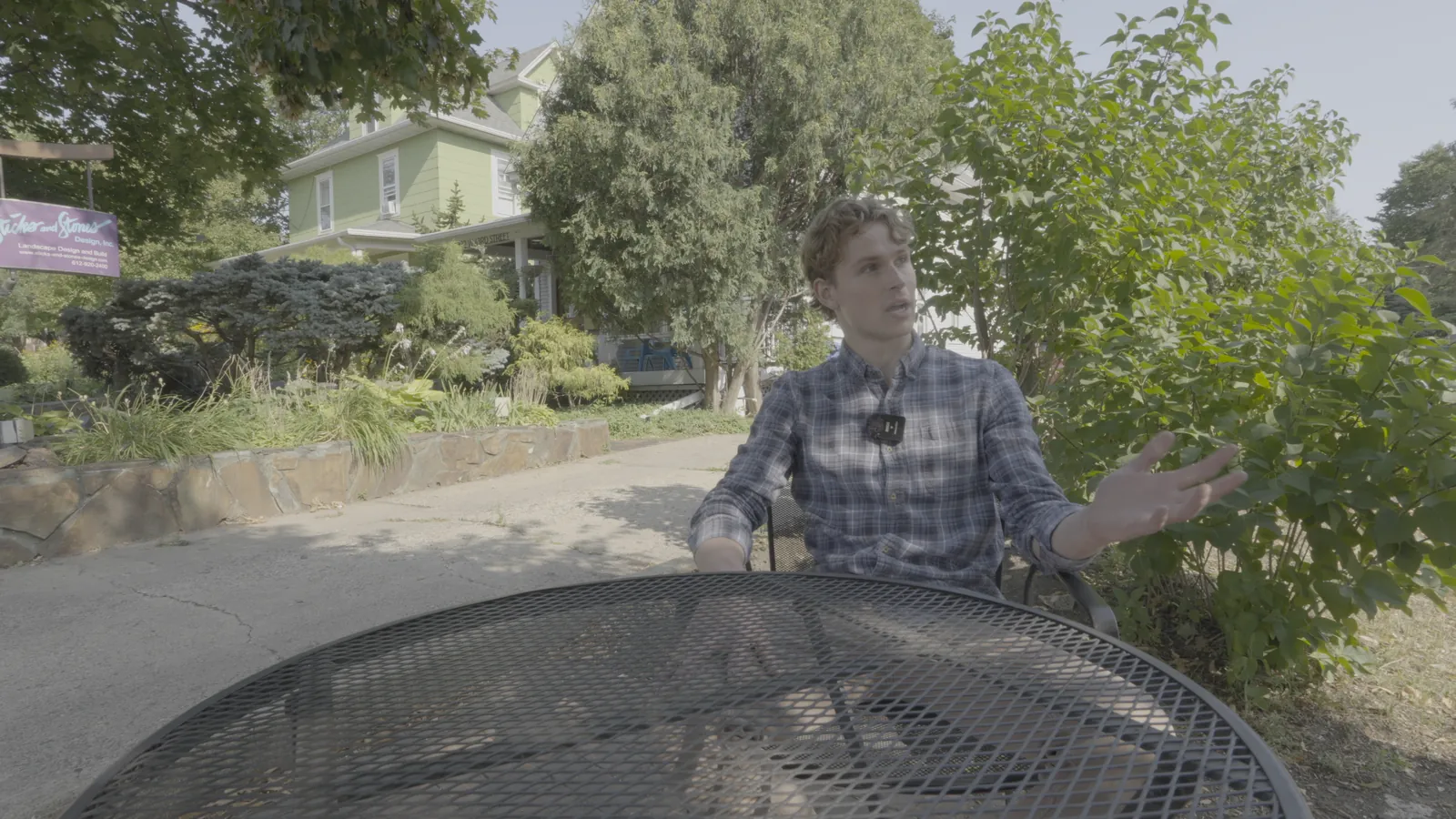
NeutralLook
S-Log3 / S-Gamut3
Shot on Sony FX30 (S-Log3) and re-encoded into S-Log3 / S-Gamut3 to show the conversion.
S-Log3 / S-Gamut3
Checked against Sony's own LUT and tested on our Sony FX30 footage.
Download free conversion LUTInstallation guides