Canon
Canon PowerShot V1 LUTs
Free conversion LUTs for Canon Log 3 footage, with a before and after preview of each, the camera’s log settings and the sources.
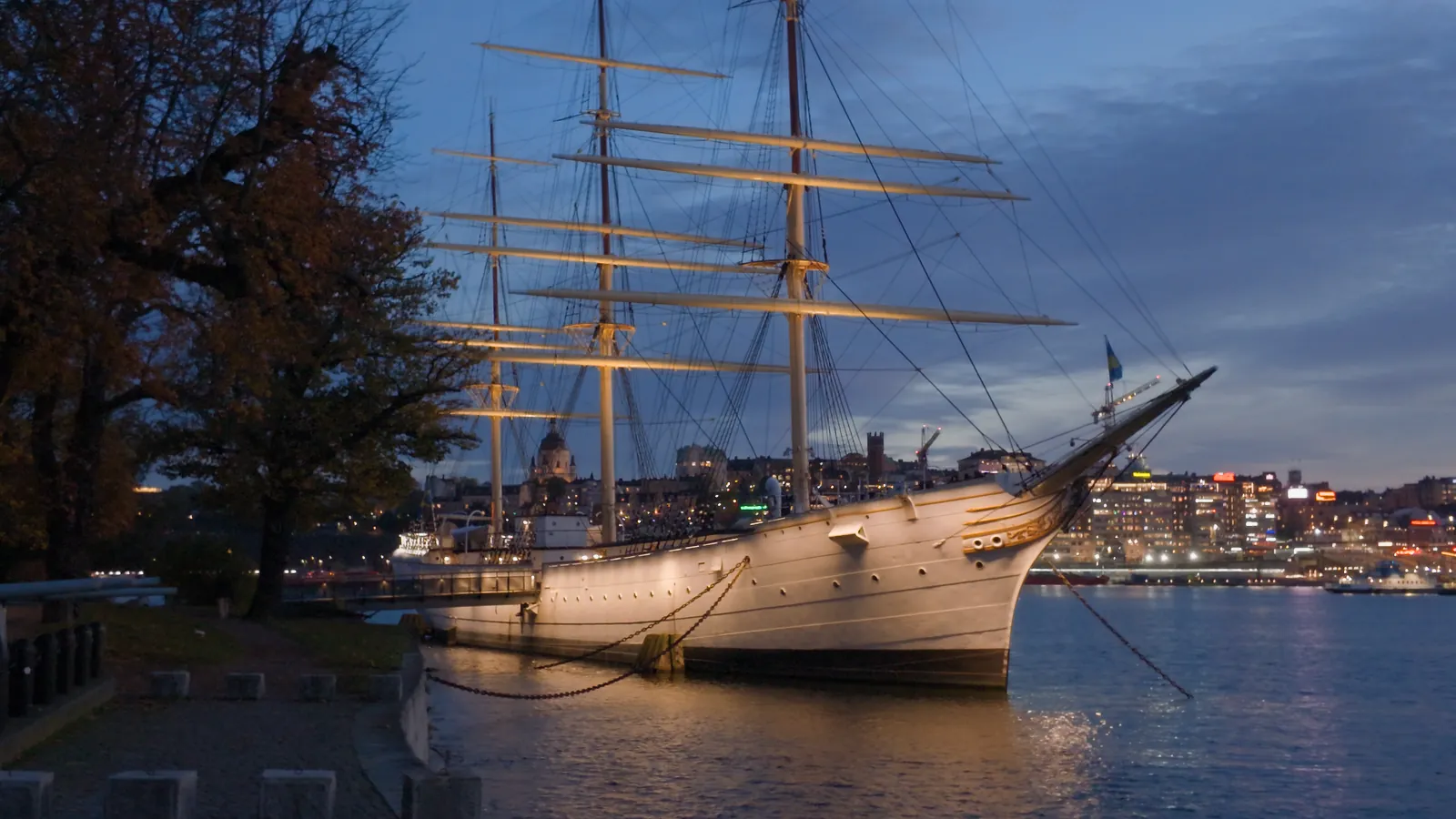
Tall ship at dusk
Shot on DJI Osmo Pocket 4 (D-Log) and re-encoded into Canon Log 3 / Cinema Gamut to show the conversion.
Free conversion LUT
Canon Log 3 / Cinema Gamut
Built from Canon's published spec; not yet tested on footage from this camera. If blacks look lifted or crushed, check the clip's data levels.
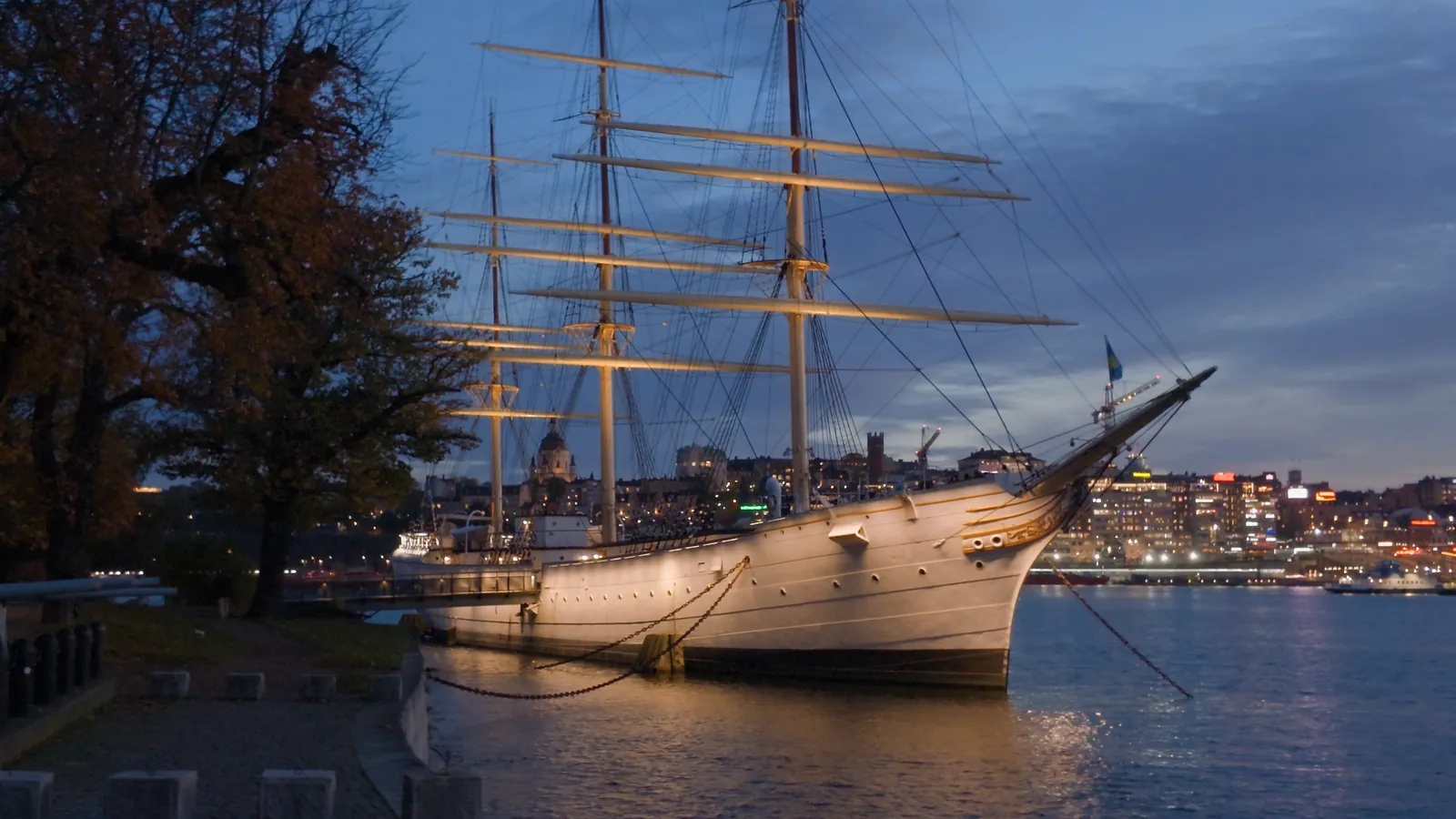

Tall ship at dusk
Shot on DJI Osmo Pocket 4 (D-Log) and re-encoded into Canon Log 3 / BT.2020 to show the conversion.
Free conversion LUT
Canon Log 3 / BT.2020
Built from Canon's published spec; not yet tested on footage from this camera. If blacks look lifted or crushed, check the clip's data levels.
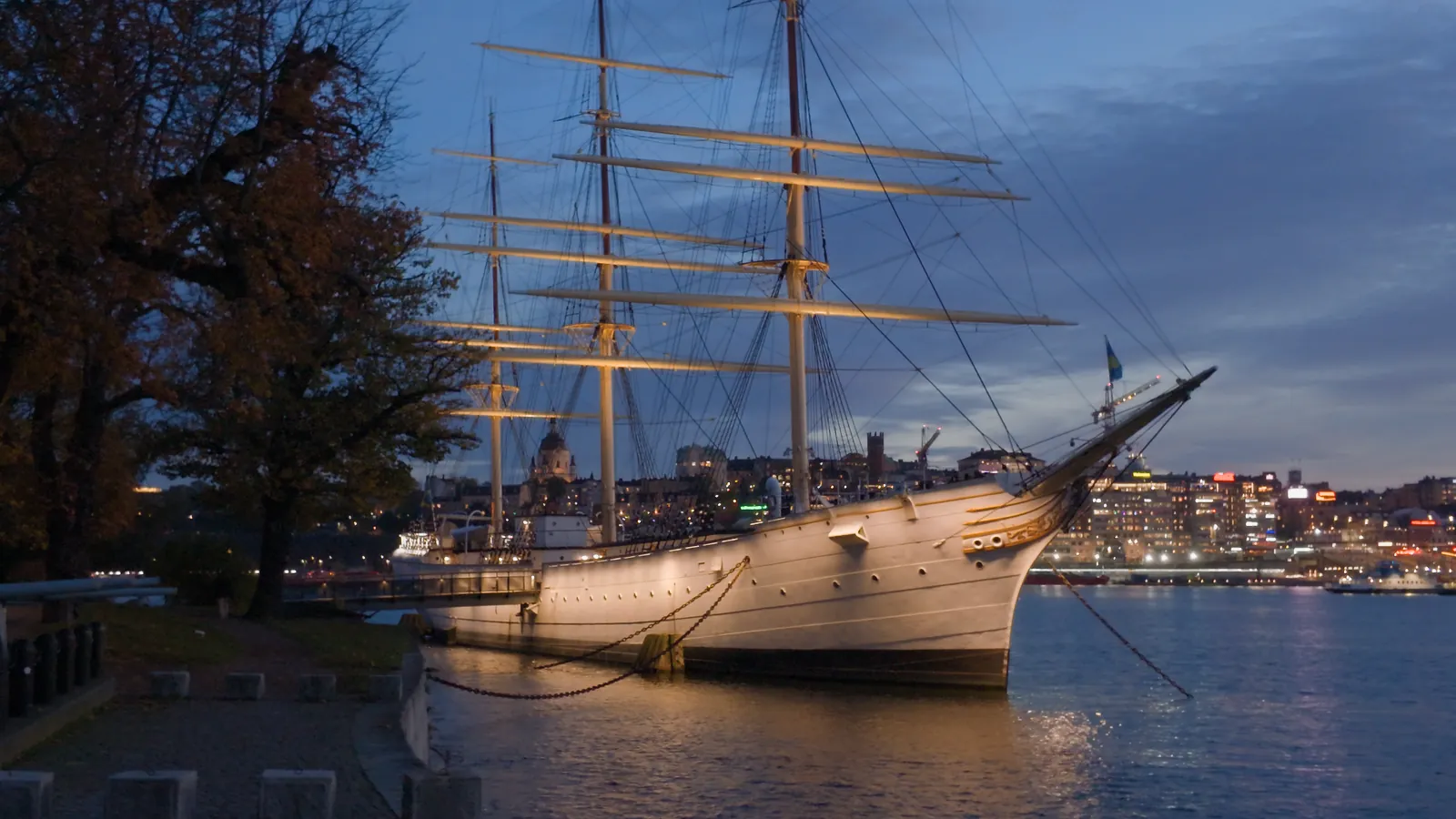

Tall ship at dusk
Shot on DJI Osmo Pocket 4 (D-Log) and re-encoded into Canon Log 3 / BT.709 to show the conversion.
Free conversion LUT
Canon Log 3 / BT.709
Built from Canon's published spec; not yet tested on footage from this camera. If blacks look lifted or crushed, check the clip's data levels.
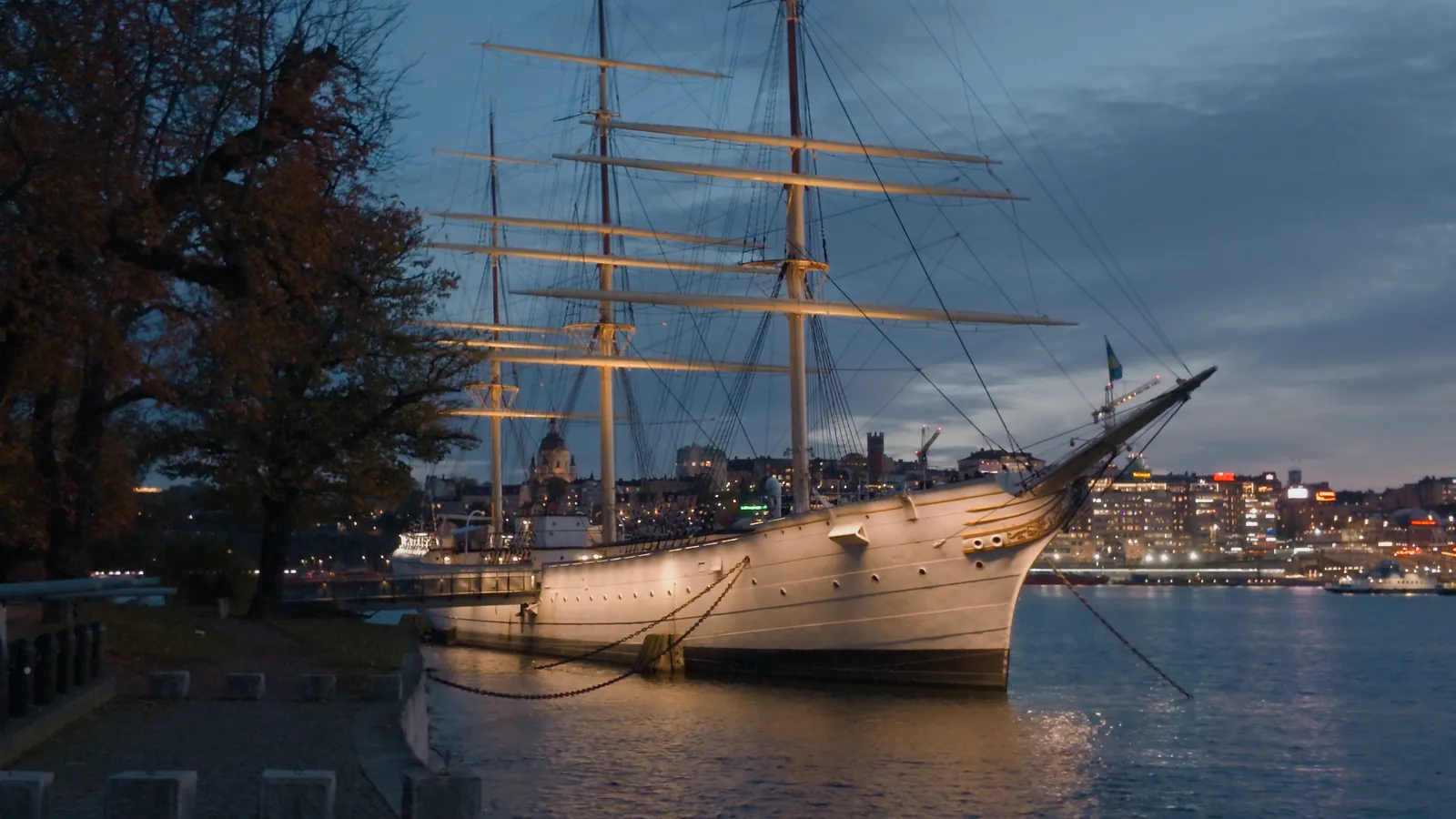

Warm Film
Shot on DJI Osmo Pocket 4 (D-Log).
Creative looks
Now give it a look.
The free LUT gets your footage to normal colour. A look finishes it. Drag across the picture to compare, and pick a look under it.
- All 17 looks for $49, or packs of three from $12. One-time purchase, yours to keep.
- Ready-made Canon Log 3 / Cinema Gamut versions included: one LUT does the conversion and the look.
- Works with Canon Log 3 / BT.2020 and Canon Log 3 / BT.709: put the look on after this free conversion LUT.
- For personal and client work. Resolve, Premiere, Final Cut, CapCut and more.
Secure checkout. Your files download right after payment.
Camera settings
- Shooting > Canon Log settings > Canon Log: On (Canon Log 3); Color space BT.709, BT.2020 or Cinema Gamut
- Dynamic range ~1600% at ISO 800 or higher; ISO 100-640 are expanded speeds with narrower range; default Canon Log 3 ISO range is L and ISO 800-12800
Exposure
Canon manual: if Canon Log noise is noticeable, try recording under brighter conditions and adjusting brightness in color grading (no 18% grey target is given in the manual).
Sources
- Canon Log settings; colour spaces; ISO 800 note; Canon Log and Canon Log 2 not supportedcam.start.canon
- Spec: Canon Log ON (Canon Log 3), Cinema Gamut, 10-bit 4:2:2; default range L and ISO 800-12800cam.start.canon
- Canon Marketing Japan release dated 2025-02-20; supports Canon Log 3corporate.jp.canon
- Canon LUT Library (official): Look File LUTs for 'Canon Log 2 / Cinema Gamut to BT.709' and 'Canon Log 3 / Cinema Gamut to BT.709' (plus Log-to-Log). This camera is not in the page's in-camera compatible list; the PC LUTs are defined by input profile (Canon Log 3 / Cinema Gamut). The page says technical Canon Log to Canon 709 LUTs are on Canon's regional websites (not fetched).color.ssw.imaging-saas.canon
- Canon LUT Library detail page listing the four conversions: Canon Log 2 / Cinema Gamut to BT.709, Canon Log 3 / Cinema Gamut to BT.709, and Log-to-Log versionscolor.ssw.imaging-saas.canon