LUTs & resources
Canon EOS R7 LUTs
Canon manual: if Canon Log noise is noticeable, try recording under brighter conditions and adjusting brightness in color grading (no 18% grey target is given in the manual).
Camera settings
- Shooting > Canon Log settings > Canon Log: On (C.LOG3); Color space BT.709, BT.2020 or Cinema Gamut (for HDMI output or card)
- Dynamic range ~1600% at ISO 800 or higher; ISO 100-640 are expanded speeds with narrower range
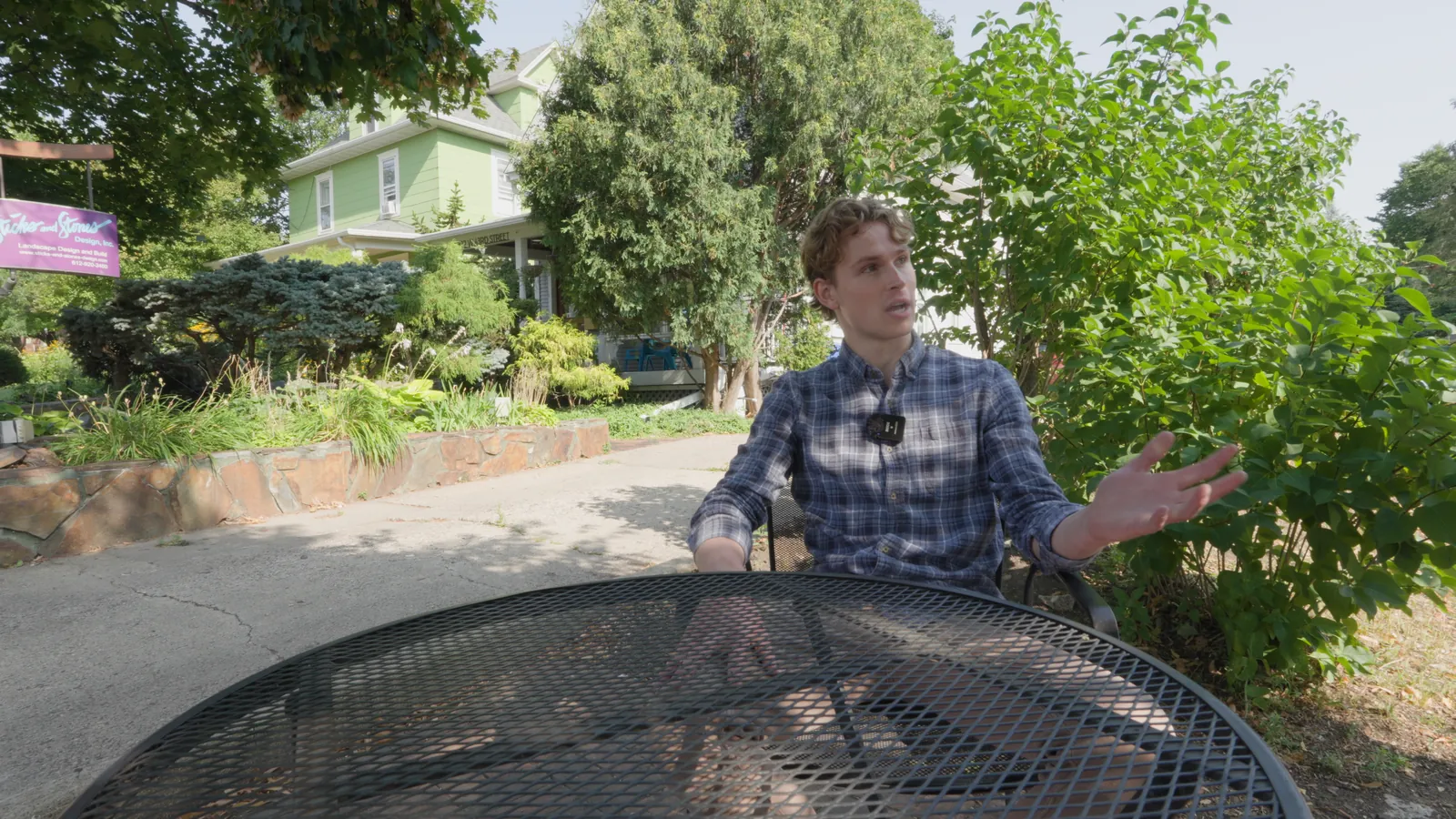
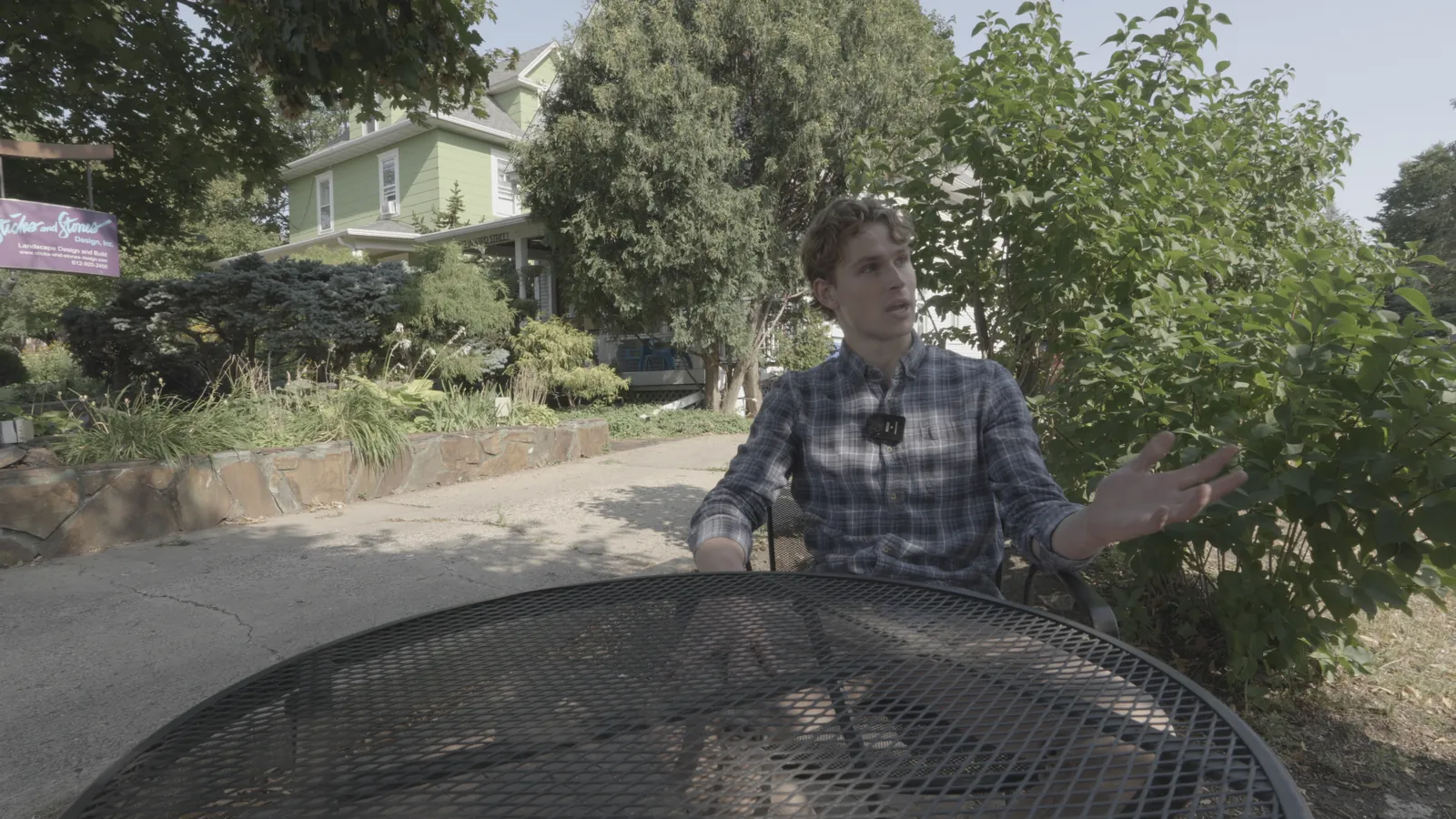
Canon Log 3 / Cinema Gamut
Shot on Sony FX30 (S-Log3) and re-encoded into Canon Log 3 / Cinema Gamut to show the conversion.
Canon Log 3 / Cinema Gamut
Built from Canon's published spec; not yet tested on footage from this camera. If blacks look lifted or crushed, check the clip's data levels.
Download free conversion LUTInstallation guides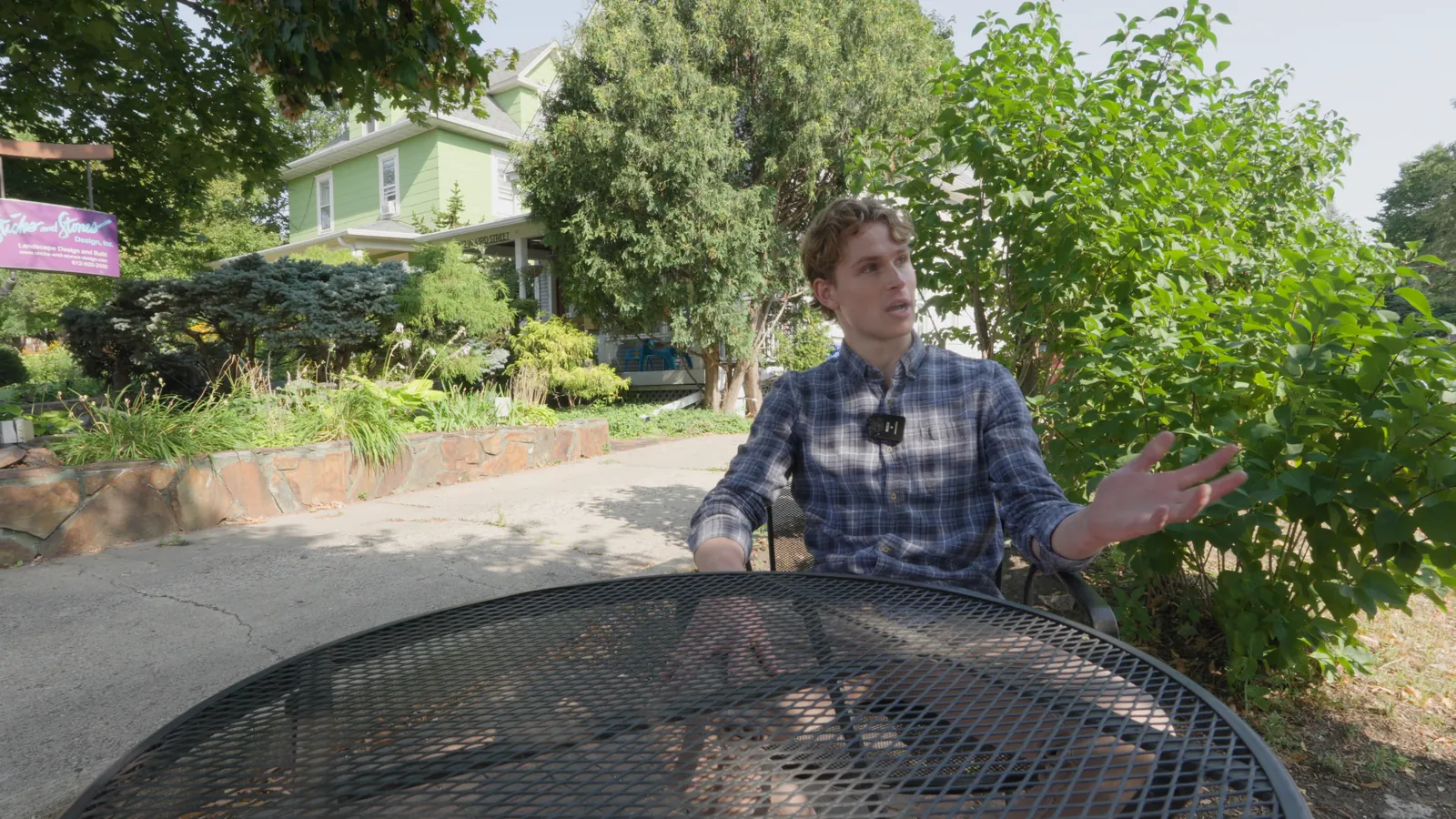
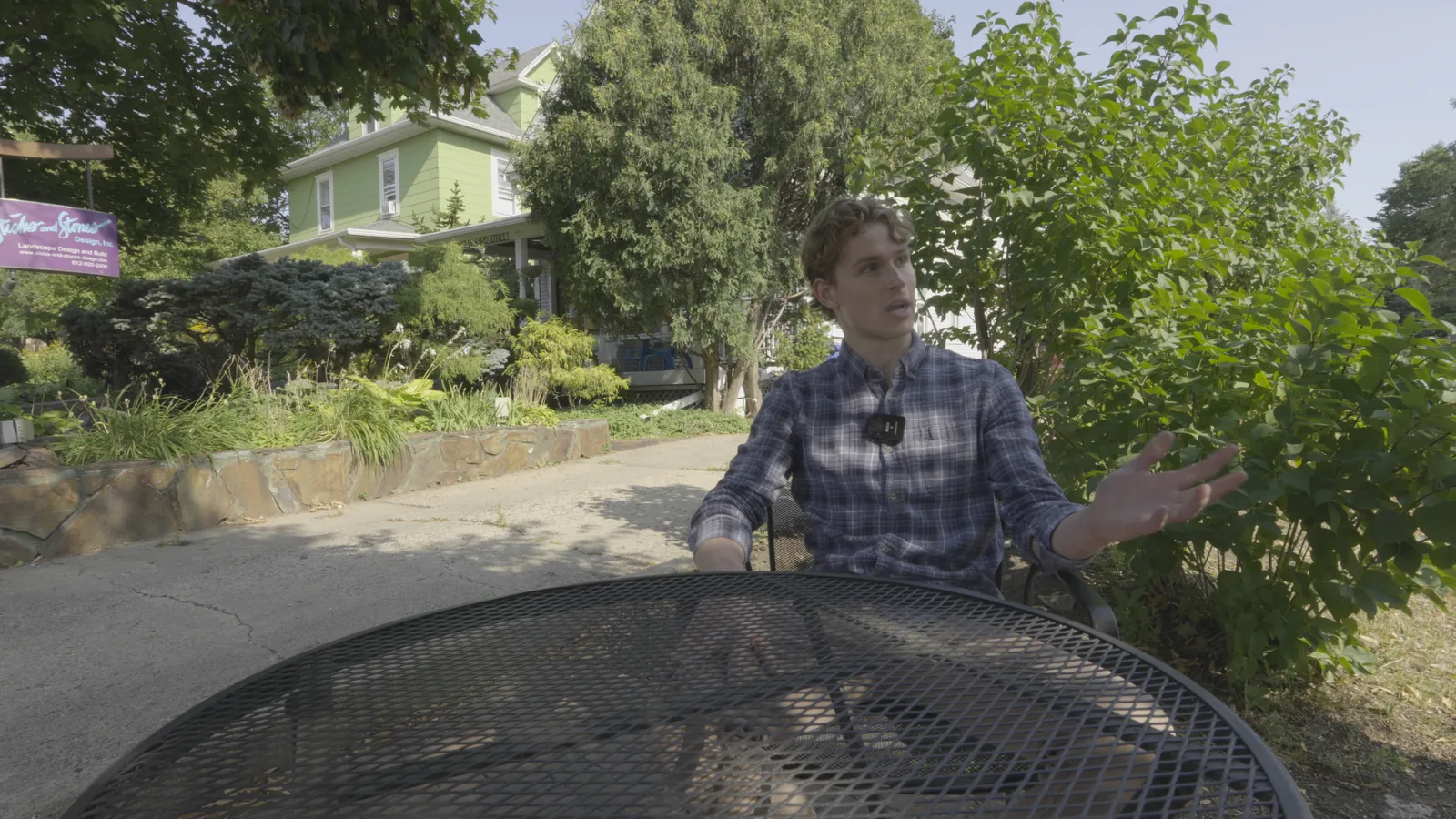
Canon Log 3 / BT.2020
Shot on Sony FX30 (S-Log3) and re-encoded into Canon Log 3 / BT.2020 to show the conversion.
Canon Log 3 / BT.2020
Built from Canon's published spec; not yet tested on footage from this camera. If blacks look lifted or crushed, check the clip's data levels.
Download free conversion LUTInstallation guides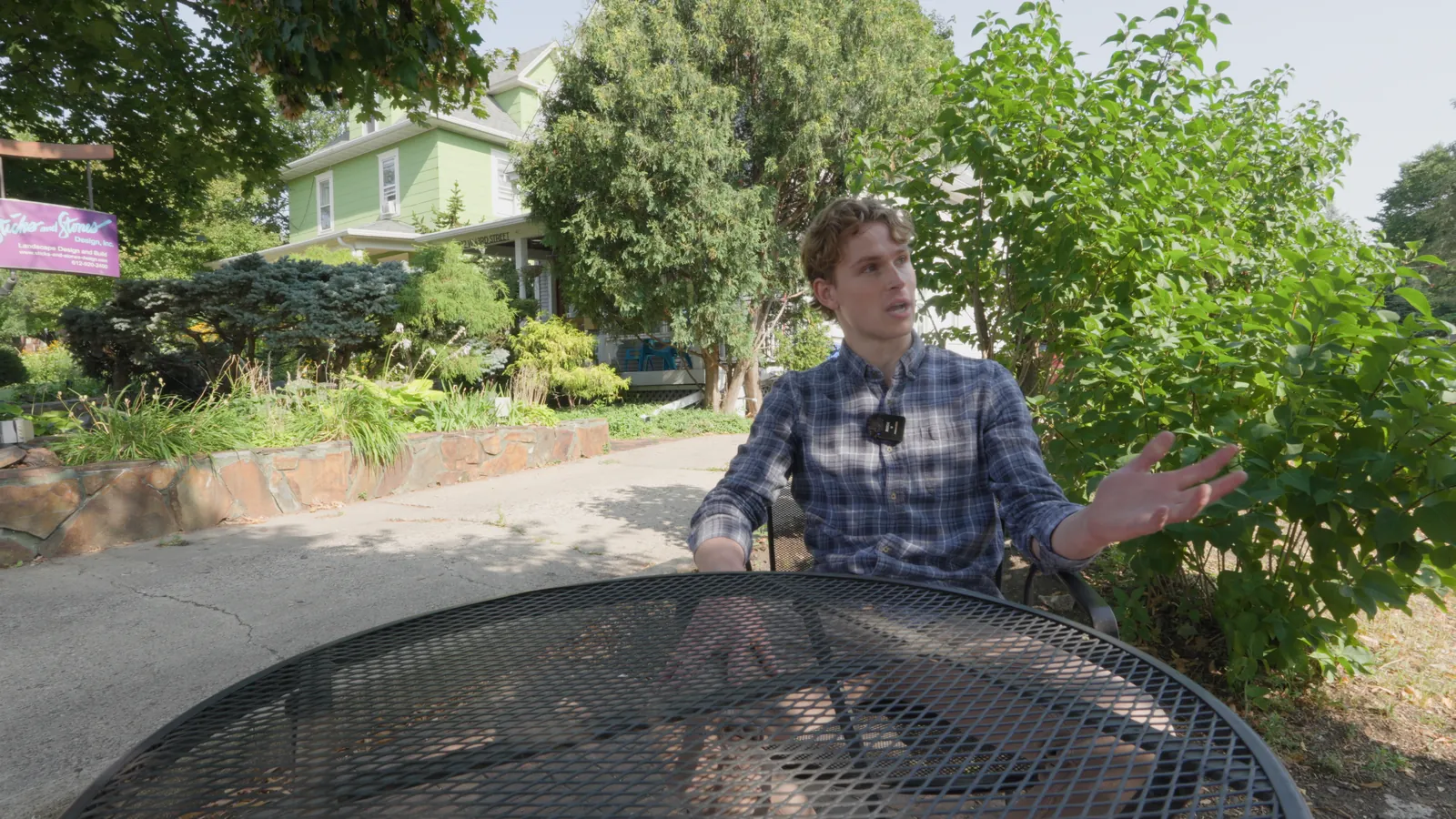
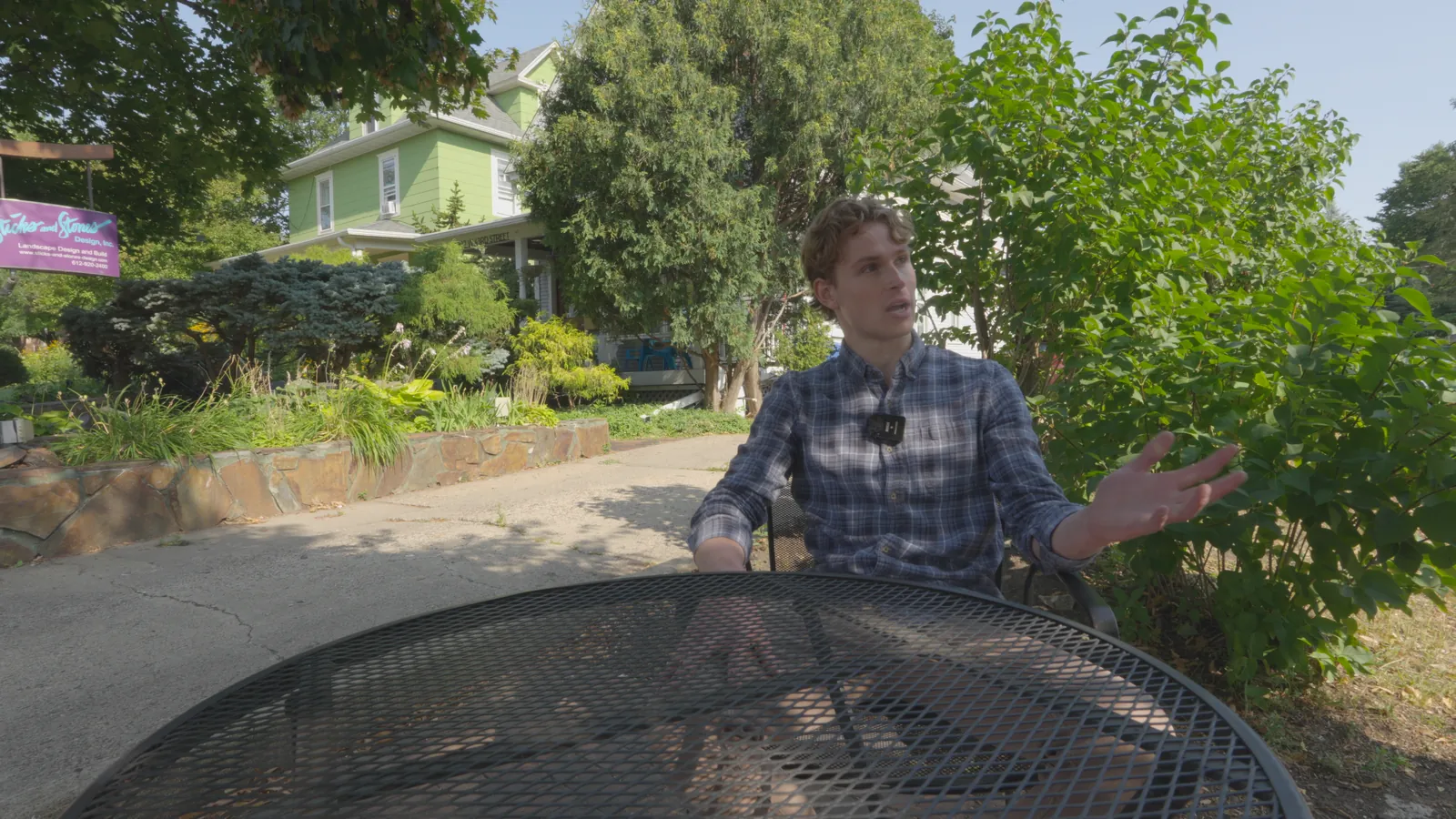
Canon Log 3 / BT.709
Shot on Sony FX30 (S-Log3) and re-encoded into Canon Log 3 / BT.709 to show the conversion.
Canon Log 3 / BT.709
Built from Canon's published spec; not yet tested on footage from this camera. If blacks look lifted or crushed, check the clip's data levels.
Download free conversion LUTInstallation guides