LUTs & resources
Canon EOS R5 Mark II LUTs
Camera settings
- Custom Picture: C2 Canon Log 2 (Canon Log 2 / C.Gamut) or C3 Canon Log 3 (Canon Log 3 / C.Gamut)
- Normal ISO with Canon Log 2/3: ISO 800-25600 (expanded L = ISO 100-640)

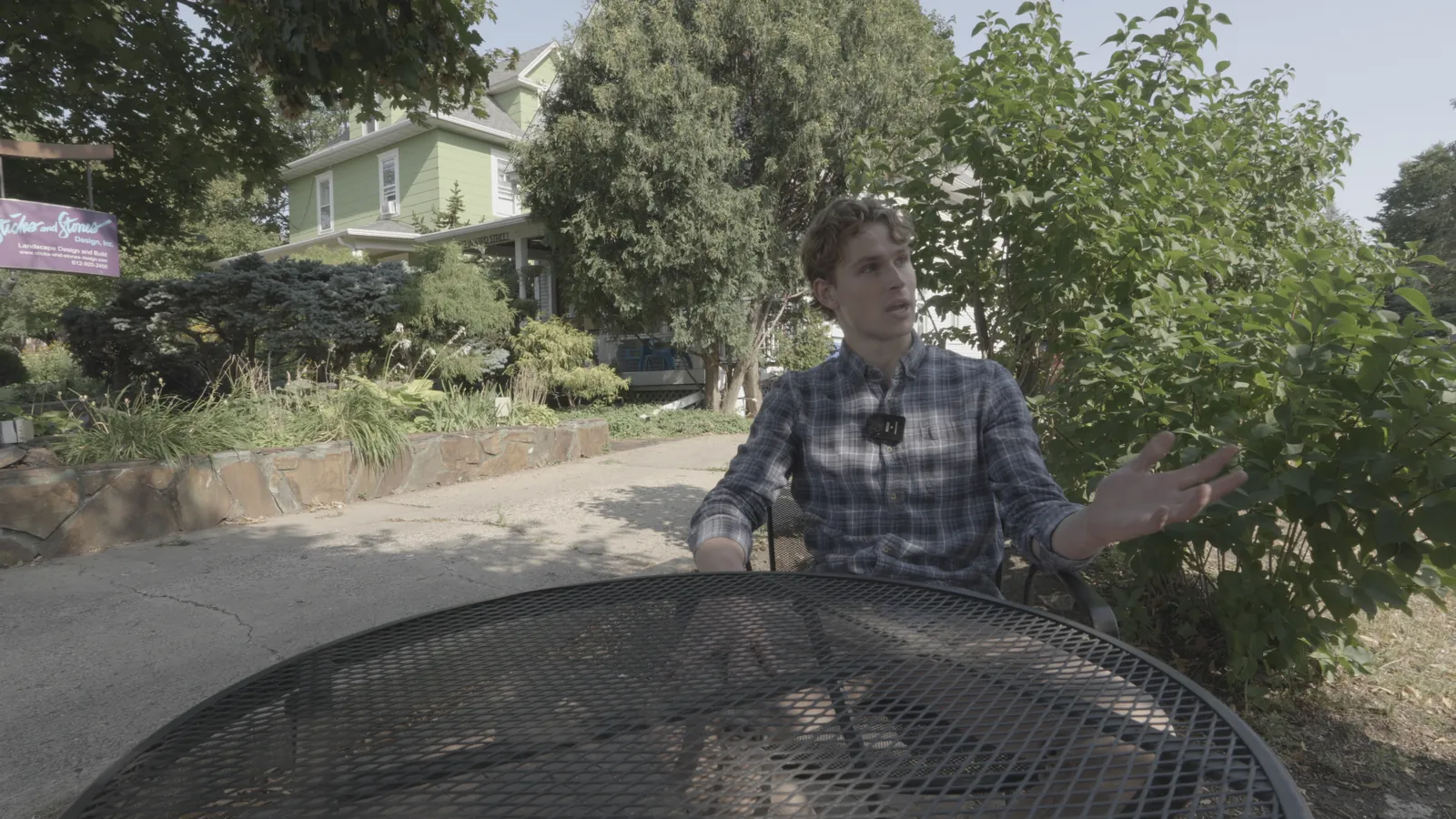
NeutralLook
Canon Log 3 / Cinema Gamut
Shot on Sony FX30 (S-Log3) and re-encoded into Canon Log 3 / Cinema Gamut to show the conversion.
Canon Log 3 / Cinema Gamut
Built from Canon's published spec; not yet tested on footage from this camera. If blacks look lifted or crushed, check the clip's data levels.
Download free conversion LUTInstallation guides
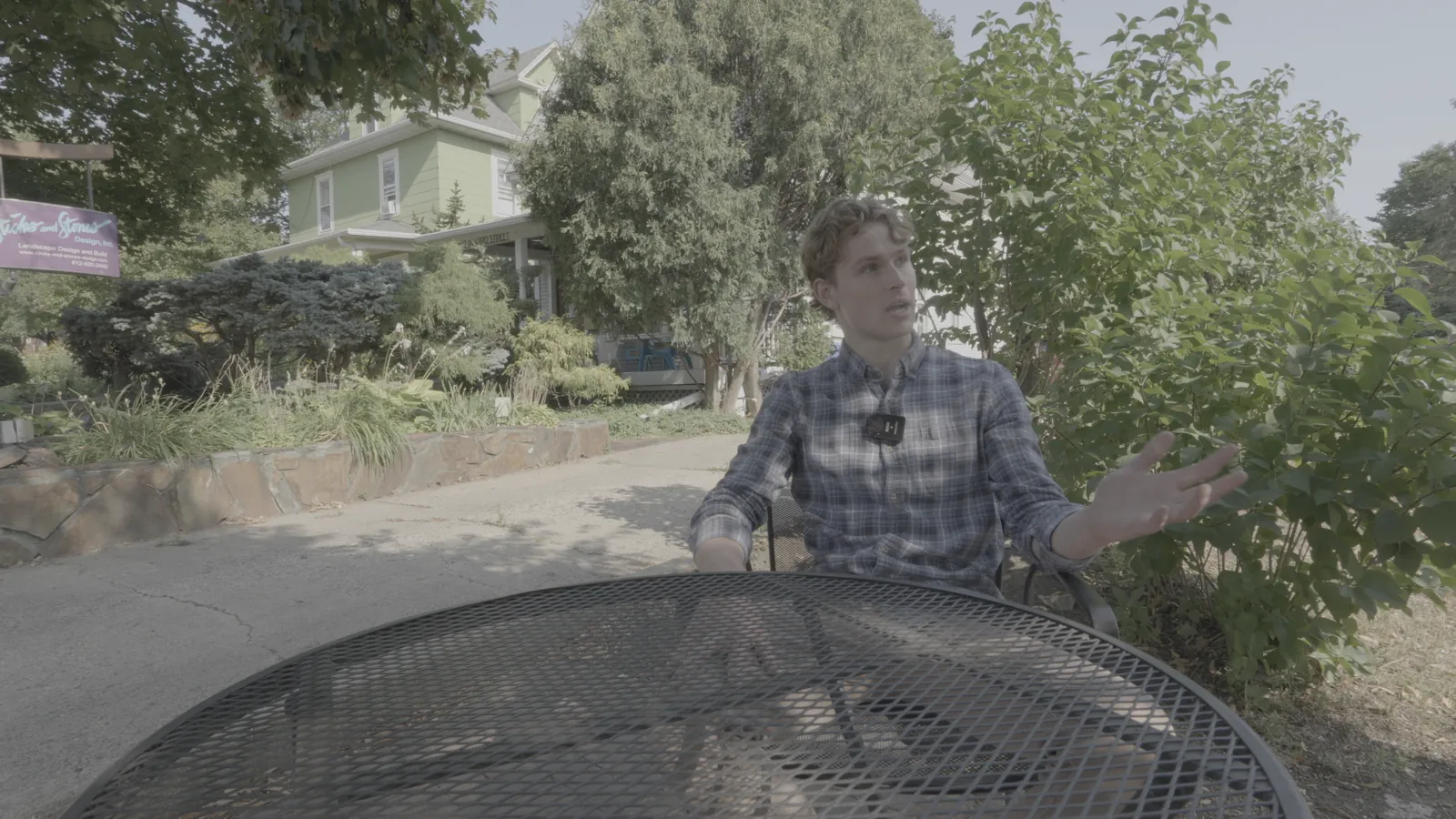
NeutralLook
Canon Log 2 / Cinema Gamut
Shot on Sony FX30 (S-Log3) and re-encoded into Canon Log 2 / Cinema Gamut to show the conversion.
Canon Log 2 / Cinema Gamut
Built from Canon's published spec; not yet tested on footage from this camera. If blacks look lifted or crushed, check the clip's data levels.
Download free conversion LUTInstallation guides