LUTs & resources
Apple iPhone 16 Pro / 16 Pro Max LUTs
Camera settings
- Camera app: Settings > Camera > Formats > turn on Apple ProRes, then in Video mode tap the resolution/fps and pick ProRes Log (Log is ProRes-only in the built-in Camera app).
- ProRes Log up to 4K30 internal (128 GB model: 1080p30 only); up to 4K120 only to external USB-C storage (exFAT; >=220 MB/s for 4K60, >=440 MB/s for 4K120; reformat before each 4K120 session).
- HEVC Apple Log: Final Cut Camera 1.1 or later, or Blackmagic Camera.
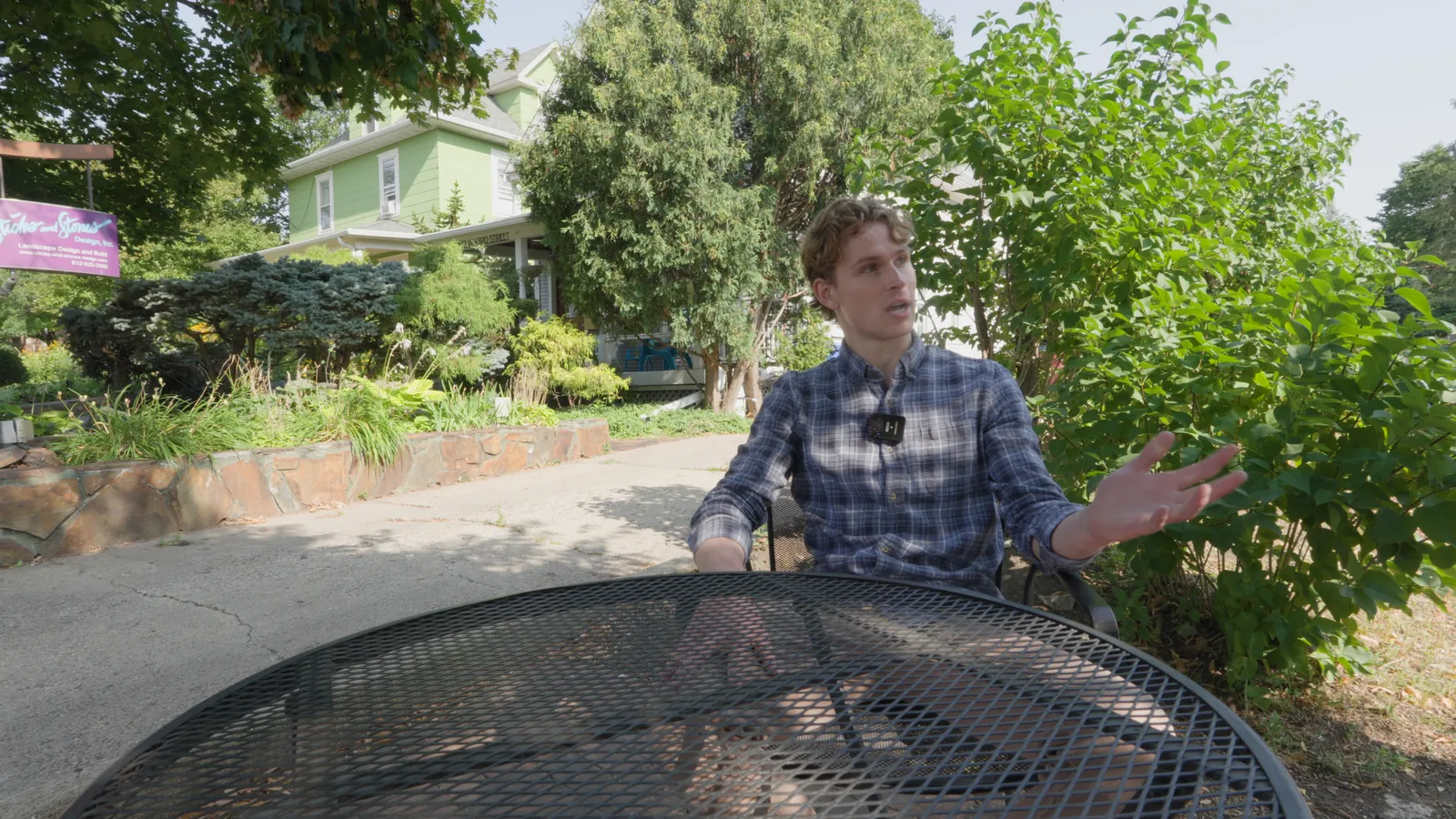
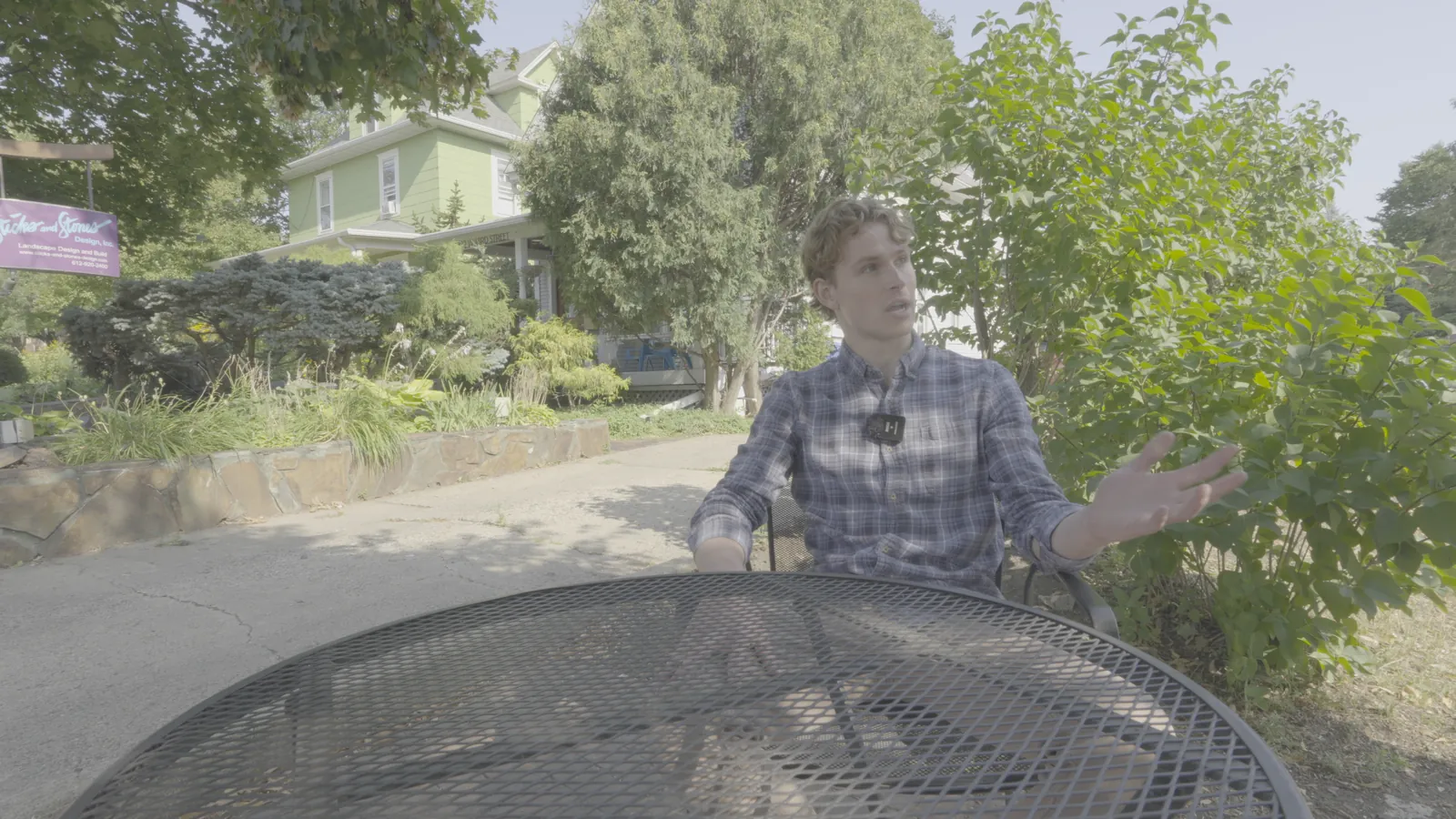
NeutralLook
Apple Log
Shot on Sony FX30 (S-Log3) and re-encoded into Apple Log to show the conversion.
Apple Log
Built from Apple's published spec and checked against Apple's own LUT.
Download free conversion LUTInstallation guidesTry the free Soft Doc look